
Remote Access to Laser Cutter
*You must complete the training and certification before you will be given an account. See links below
WiFi Connection
Mountaintop uses a dedicated WiFi network and local Ruby server.
You must be physically in the C3 High bay.
Join WiFi network:
SSID: BC_Cutter_Net
Password: abrupt-scraps-essex-leeds
Open your browser and manually type:
https://192.168.1.157:2402
(You must type “https” exactly for Ruby to load.)
Log in and prepare your job in Ruby as usual.
Trotec Speedy 400
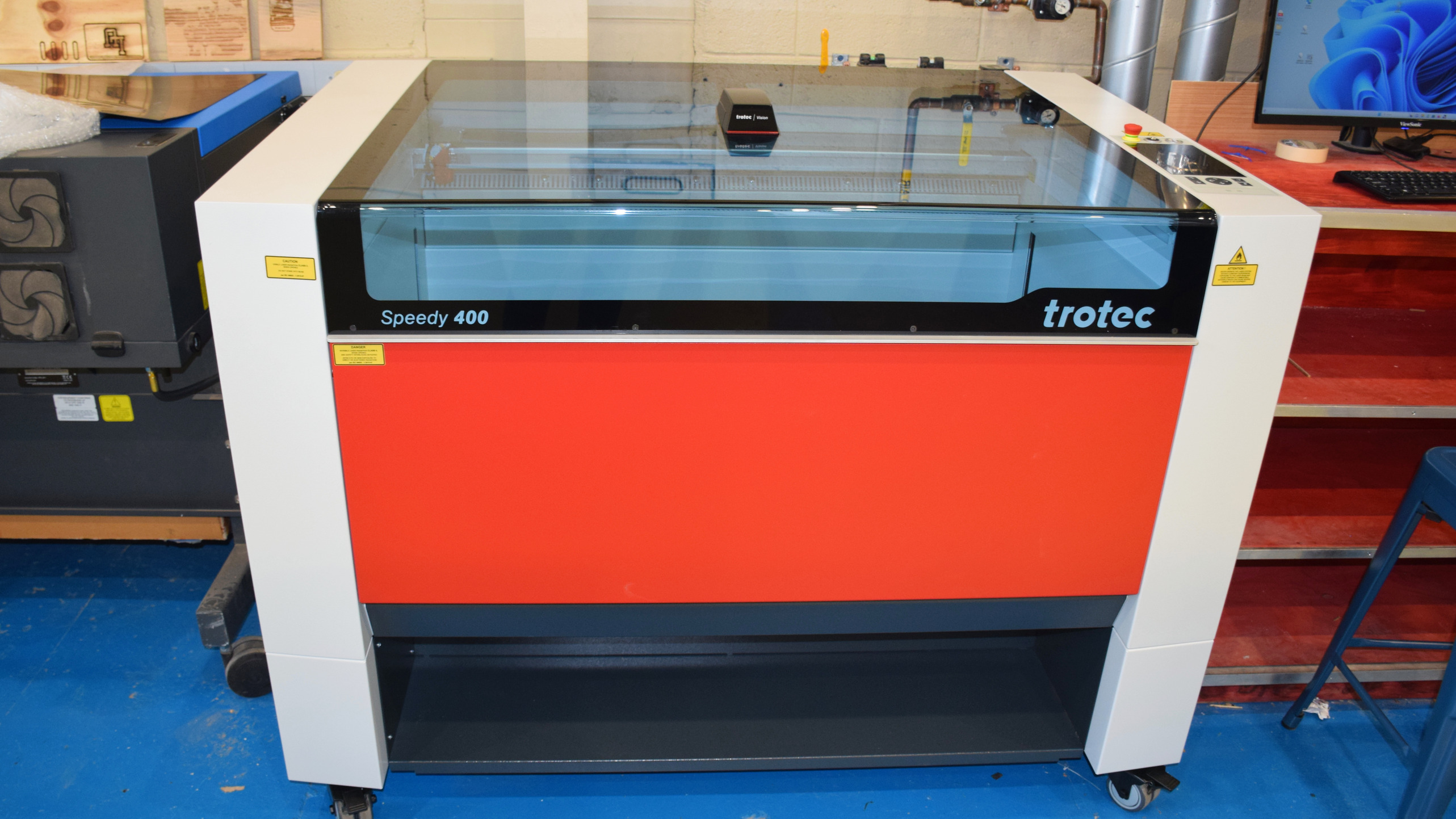
Specs
Working Area (W x D x H)
40" x 24" x 11"
(1016mm x 609.6mm x 279.4mm)
Loading Area (W x D)
43" x 27"
(1092.2mm x 685.5mm)
Max Processing Speed
170 ips (4.32 m/s)
Laser Class
2
Technology Motion System
Brushless DC Servo Motors
Application
Precise Cutting
Acrylics
Leather
Paper
Plastics (NO ABS, Polycarbonate, HDPE, Teflon, Fiberglass, PVC, Vinyl, Pleather, or Epoxy Resin)
Textiles
Wood
Metal (≤ 0.5mm thickness)
Engraving
Acrylics
Glass
Plastics (NO ABS, Polycarbonate, HDPE, Teflon, Fiberglass, PVC, Vinyl, Pleather, or Epoxy Resin)
Leather
Paper
Stone
Textiles
Wood
Required Training
The Laser Certification process here at Lehigh requires users to watch three videos and complete the assessment quiz with a score of 100%. Once completed, you will then receive login credentials generally within 2 business days via two emails from Trotec. We highly recommend logging into BOTH the Mountaintop and Wilbur lasers (you can find the link for both on our website) as soon as possible and making your permanent password the same for both systems. Temporary passwords expire in 14 days. Happy Laser Cutting!